
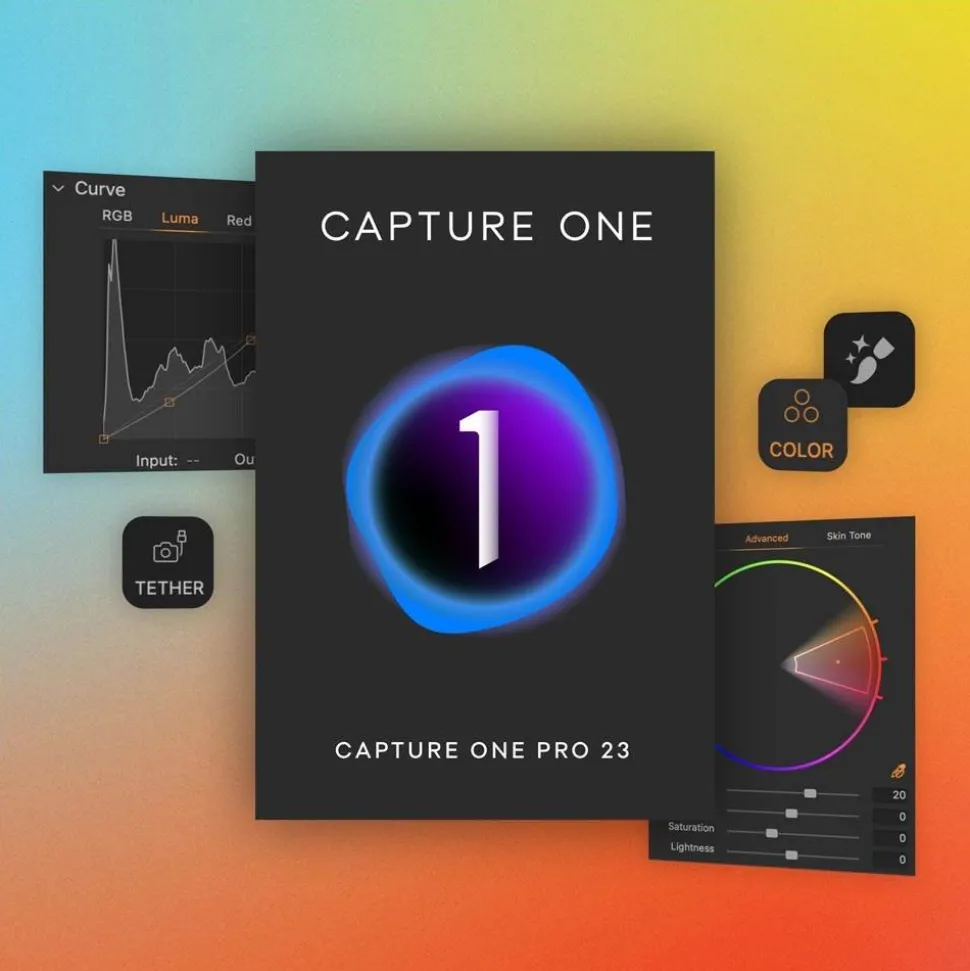
Capture One Pro 21 Camera Bundle
$118.00
- Camera bundle version is available when purchased with a camera, see T&C
- Huge time saving update with features designed to make it easier to manage your workflow and auto adjust
- Smart Adjustments create a similar look across images shot under different lighting conditions which can save
- Better control over editing with Layers in Styles by applying edits to multiple Layers from a single style
- Supports nearly 600 cameras and allows you to create a personalised workflow with a customisable interface
Capture One Pro Camera Bundle Summary
Capture One’s powerful helps you bring your photography to life quickly with lightning-fast tethering, timesaving editing tools that give you creative control. The Capture One Pro Camera Bundle also offers the opportunity to create a personalised workflow with a customisable interface. Renowned for its RAW image processing and true-to-life colours thanks to tailored profiles for nearly 600 camera models and lenses, Capture One Pro gives you the best of every photo to work with right from the outset.
New 16.5 software update : Capture One Pro + Capture One Studio
Match the Look – Transfer any look instantly.
- Dynamically transfer looks and edits from a reference
- With a single click, you can instantly match the style or edits of a reference image. Whether from a previous project, a film still, or a mood board, it automatically transfers the look to your current photo(s), giving you a strong starting point for editing and color grading.
Unmatched masking
- Mask skin, hair, eyes, and facial features quickly and with extreme precision.
- This significant improvement to our AI Masking tool is perfect for portrait, fashion, headshot, or wedding photography. It allows you to create precise masking across batches of images and can be incorporated into a Style with other adjustments.
ProStandard switch for ProRAW (+mobile) – Mobile images. Done better.
- Next level color accuracy for your iPhone imagery
- Switch your images shot in ProRAW on iPhone to our ProStandard profile for better color rendition and fidelity.
UX improvements for tethering – Tether. Smoothly.
- Stay on top when you tether
- Experience smoother tethering with improved error understanding, connection status, and troubleshooting. Plus, we now list errors for unsupported cameras.
Key Capture One Pro Features
• Advanced RAW image processing with realistic, true-to-life colours from the outset
• Crеаtіvе cоntrоl with advanced colour editor and skin tone tools
• Fast culling with rating and colour tags
• Automatic group view of similar images and instant browsing
• Smart Adjustments, which can potentially saving hours of editing
• Instant editing looks with Styles
• Advanced layer and masking capabilities
• Fastest tethered shooting in the industry
• Personal workflow supported with customisable shortcuts and interface
• Smart aѕѕеt management tools to keep all files organised
• Support for nearly 600
• Support for more than 700 and image corrections
• Export Recipes let you export in various formats, sizes and locations
New Licensing Model
Capture One has moved away from an annual cycle for major releases, and the current upgrade model. The New Perpetual Licence Model provides a copy of Capture One Pro, and you can continue to use it as long as your operating system can support it. You will no longer have to wait for all features to be released in one ‘major version’ of Capture One Pro at the end of the year . Instead, new tools and features will be released on a rolling basis throughout the year.
To access the latest version containing new features and functionality you will need to purchase a new Capture One Pro licence when it is officially released.
Capture One Pro Camera Bundle in More Detail
Smart Adjustments save time
Smart Adjustments can help you to substantially reduce editing time. This feature enables you to get a similar look across photos that are shot under different lighting conditions by automatically adjusting Exposure and White Balance. Optimised for weddings, portraits, or any events and commercial photography featuring people.
Faster image culling
Cull images even faster with the current version, rate and tag your photos directly in the importer or using the dedicated cull view once your images are already imported into Capture One Pro. Get an easier overview of similar images with automatic group view, letting you choose your top selects even quicker. Plus, instant browsing allows you to click through your photos with zero delay.
Layers in Styles
Have more control over editing with Layers in Styles. Get full flexibility over your Style workflow with the ability to include Layers. Apply your edits to multiple Layers from a single Style, allowing for easy opacity control and versatility.
Change capture time
By changing capture time, you can ensure accurate order of photos for easier culling. When shooting with two or more cameras that are out of sync or capture time is set to the wrong time zone, this feature lets you easily adjust the time on each image so they appear chronologically. Culling is made easier by being presented with all images from certain moments or similar shots in the right order.
Variants in albums
Easily sort image variants in separate albums, allowing for more efficient photo organisation.
Raw Support For The Following Camera Brands:
• (Fujifilm medium format cameras, X-Series cameras and premium Fujifilm compacts)
• (Sony mirrorless cameras and DSLR)
• (Canon mirrorless cameras, EOS DSLR and Canon compacts)
• (Nikon mirrorless cameras, Nikon DSLR and COOLPIX)
• (Leica medium format, Leica mirrorless, compacts and Rangefinders)
• (Olympus MFT mirrorless and compacts)
• (Ricoh compact cameras)
• (645Z and DSLR)
• (full frame mirrorless, MFT and compact cameras)
• Samsung (NX cameras)
• Konica Minolta (Alpha cameras)
• Phase One (Medium format backs)
• Mamiya Leaf(Medium format backs)
• (fp)
What’s in the box
• Capture One Pro Camera Bundle
Be the first to review “Capture One Pro 21 Camera Bundle”
Related products
Accessories
Accessories
Accessories
Accessories
Accessories
Accessories

Accessories
Accessories
Accessories
Accessories
Accessories
Accessories
Login
Reviews
There are no reviews yet.