
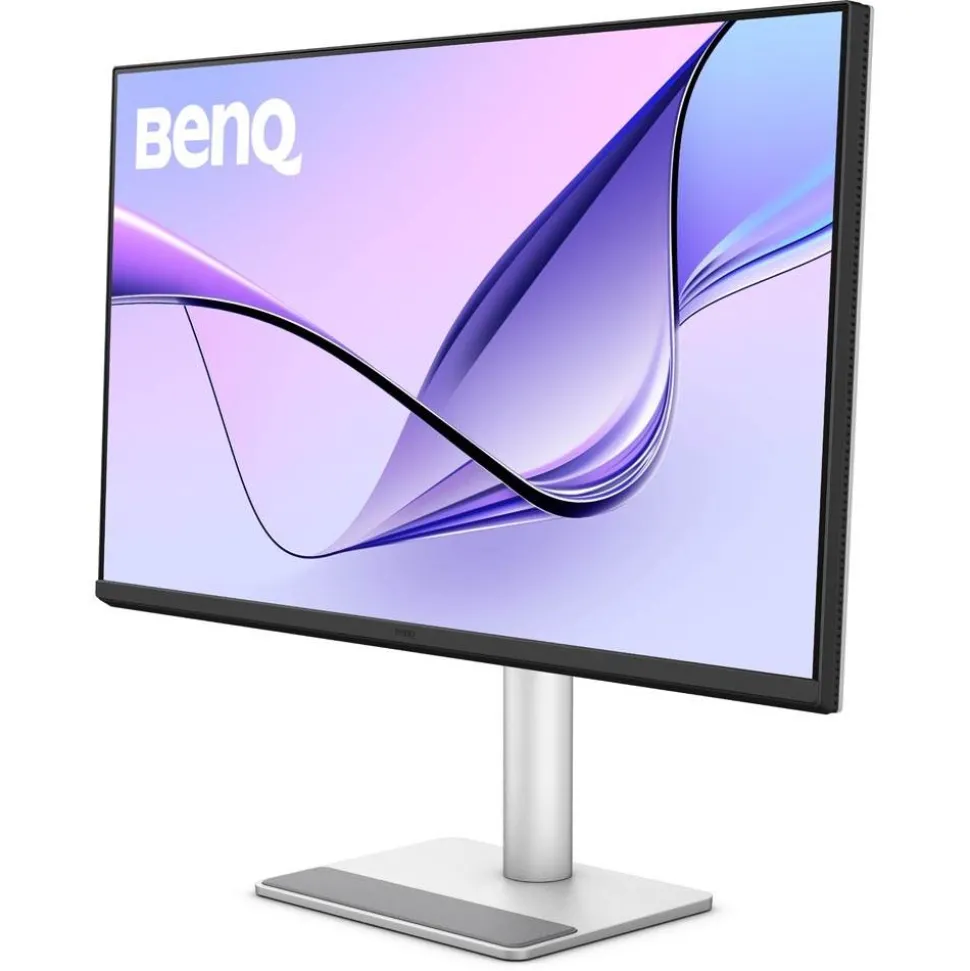
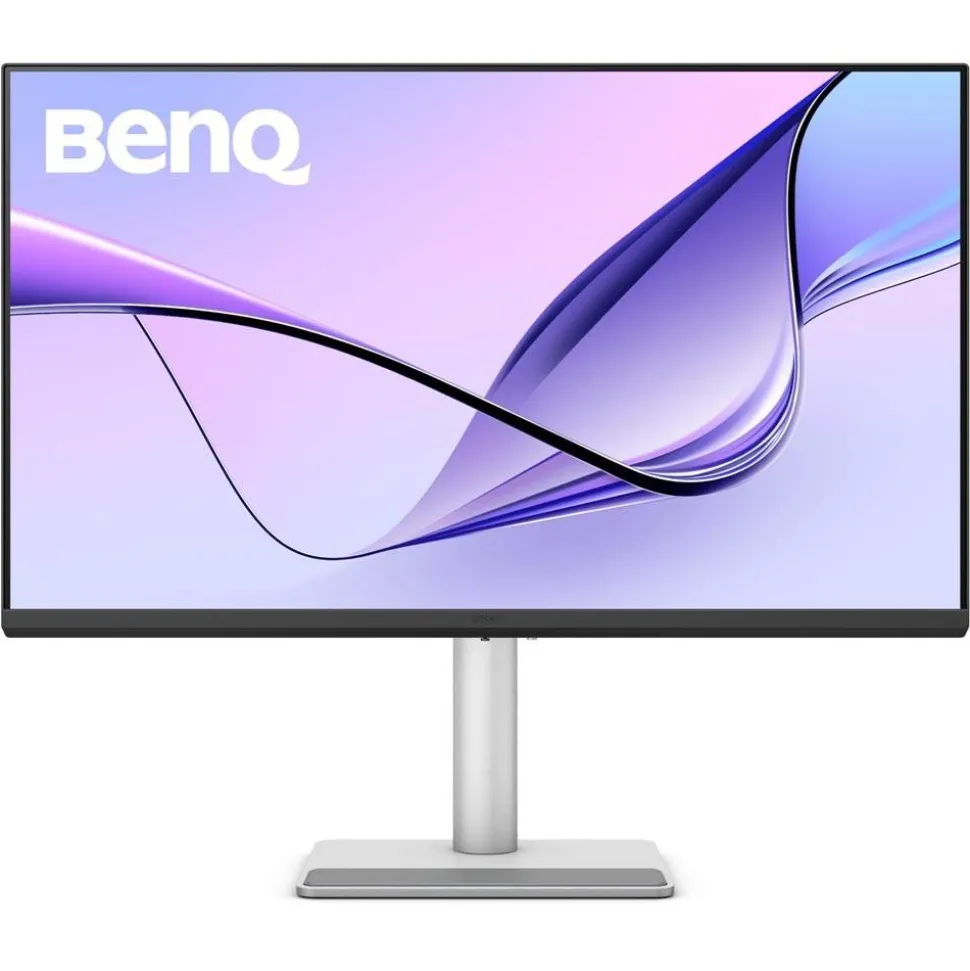
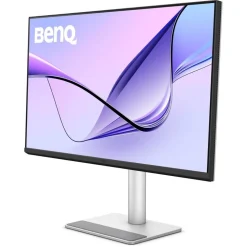
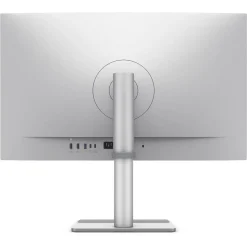
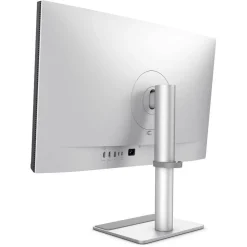
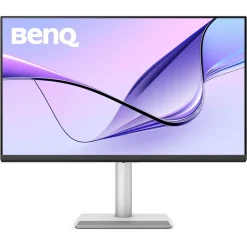
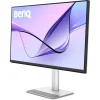
BenQ MA320U 32-inch 4K UHD Monitor for MacBook Pro and MacBook Air
$168.00
- Especially designed for Apple MacBook laptops with P3 colour profile and ICCsync for automatic synchronisation
- Large 31.5-inch screen size expands your Mac desktop with seamless integration through just one cable
- Maximum 3840×2160 resolution, 1300:1 contrast ratio and typical 550 nits brightness using LED backlight technology
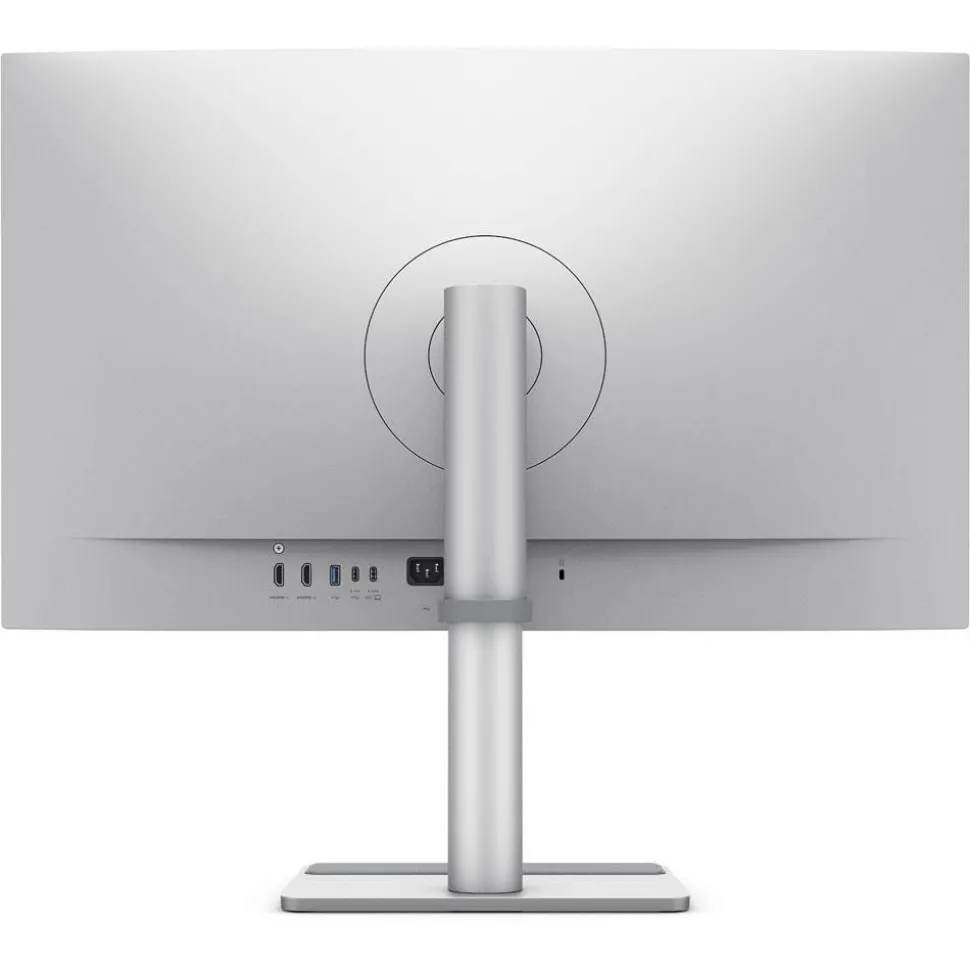
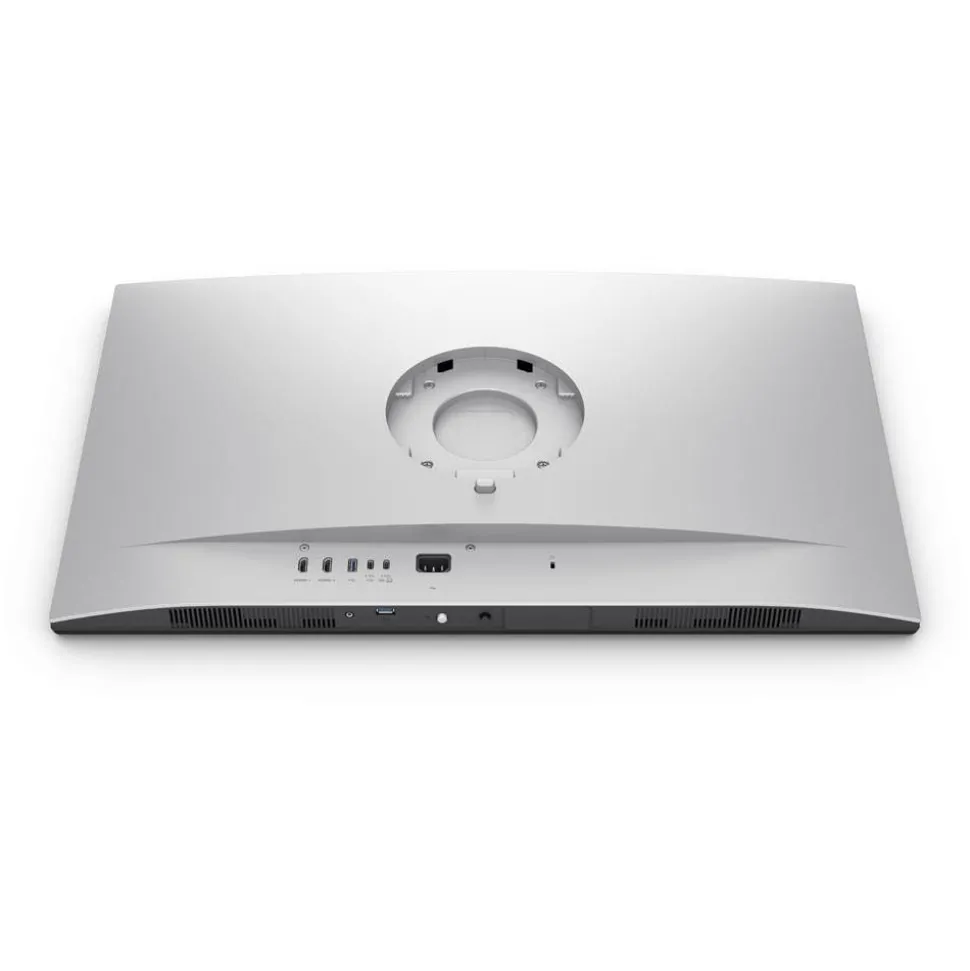
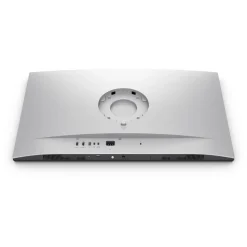
- Includes USB-C ports with one 90W PowerDelivery port, two HDMI ports and additional USB-C and USB ports
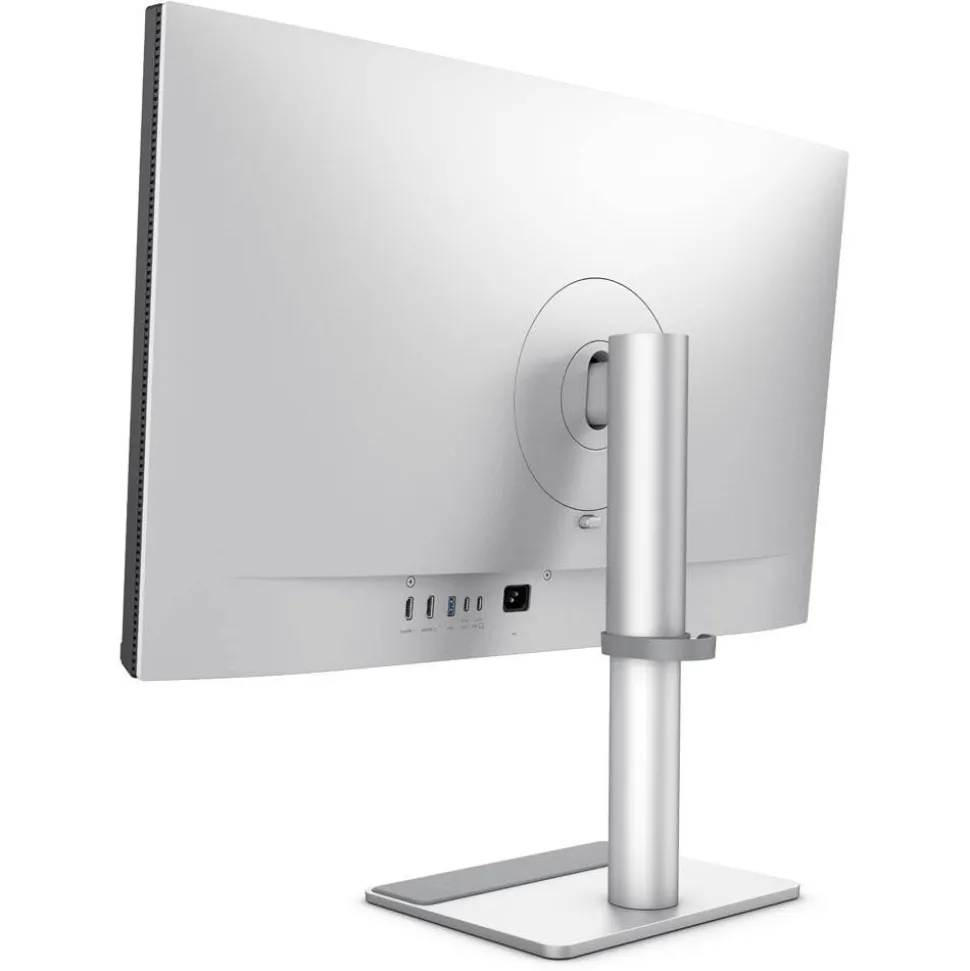
- Versatile viewing from multiple angles and heights and comes ready for 100×100 mm VESA Wall Mount
Key Features
- Expands your Macbook® view with consistent colours through just one cable
- Large 32-inch screen to cater for demanding users
- Features P3 wide colour gamut and BenQ’s professionally calibrated colours for MacBook
- Covers 99% sRGB, 97% P3 colour gamuts
- Synchronise controls between your MacBook and monitor
- Free BenQ Display Pilot 2 software
- Acts as a powerful hub for your desktop Apple ecosystem
- Built-in 90W and 15W USB-C keeps your devices charged
- Enjoy better viewing with more freedom from multiple angles and height flexibility
- Eye Care with TUV Reflection Free Certified
BenQ MA320U 32-inch 4K UHD Monitor for MacBook Pro and MacBook Air Summary
The BenQ MA320U 32-inch 4K UHD Monitor for MacBook Pro and MacBook Air is a stylish 31.5 inch , which integrates seamlessly with your MacBook laptop. The MA Series from provides exclusive Mac Colour tuning, with consistent colours seamlessly replicated from your computer.
BenQ Colour Lab experts who are known for their accurate colour tuning, apply colour matching skills to this IPS screen, which ensures high colour consistency with MacBooks. The monitor also acts as a powerful hub for your desktop ecosystem, with built-in 90W and 15W USB-C ports to help keep your devices charged.
Integrated speakers provide clear audio playback, eliminating the need for external speakers for everyday audio tasks and in addition to USB-C connectivity, the monitor includes HDMI 2.0 and DisplayPort 1.4 ports, which is ideal for connecting multiple devices or media sources.
We also offer the smaller sized for photographers and designers who need a smaller screen for apps and palettes.
BenQ MA320U 32-inch 4K UHD Monitor for MacBook Pro and MacBook Air in More Detail
BenQ monitors for MacBooks achieve high colour consistency
The BenQ Colour Lab experts who are known for their expertise in colour science, use precise Mac colour-tuning technology in the BenQ MA series monitors to ensure exceptional colour consistency with MacBooks. According to test results, MA monitors closely align with the MacBook Pro* in terms of colour gamut volume, area coverage, and colour accuracy, delivering a consistent colour experience for users.
(*These measurements are based on tests against the MacBook Pro 13” M2 2022. While the results are within a reasonable range, they may vary slightly across different MA models.)
Sync with MacBook Control
Use simple keystrokes just like on a MacBook to synchronise controls between your computer and monitor. Simply press the brightness or volume key, and both displays will adjust simultaneously.
Connectivity
Connect and/or charge compatible devices via:
- HDMI (v2.0) x2
- USB C (PowerDelivery 90W, DisplayPort Alt Mode, Data) x1
- USB Type-A downstream (USB 3.2 Gen 1, 5 Gbps, power charging 7.5W) x2
- USB Type-C downstream (USB 3.2 Gen 1, 5 Gbps, power charging 15W) x1
The monitor also includes a two 3W built-in speakers plus a Headphone Jack.
Free Display Pilot 2 SoftwareConvenient Display Management
Display Pilot 2 simplifies managing your monitor’s settings, offering easy control over brightness and volume using your Mac® keyboard. It also allows quick switching between input sources, automatic pivoting, and desktop partitioning for a more efficient workflow.
Seamless Brightness Adjustment
With iKeyboard Control, you can effortlessly adjust the display’s brightness directly from your Mac keyboard, providing instant and precise control.
Tailored Display for Every Situation
Display Pilot 2 offers a customised interface, enabling functions such as ICCsync, Application Mode, and Software Dimming. ICCsync ensures automatic synchronisation of ICC profiles when you switch between different colour modes, allowing for smooth transitions between your Mac and BenQ monitor.
Enhanced Colour Consistency
BenQ ICCsync seamlessly auto-matches and synchronises ICC profiles to ensure consistent colour accuracy when changing colour modes, ensuring a professional colour experience instantly.
Application-Specific Colour Modes
Application Mode makes it easy to assign different colour modes to specific apps, remembering your preferences for smoother future usage.
Low Light for Dark Environments
The Software Dimming function allows even lower brightness levels than hardware dimming, making it ideal for dark room settings.
Apple Silicon and Multi-Display Support
For users of the M1, M2, and M3 Pro or Max series chips, there’s support for connecting up to two or four external monitors through Type-C and HDMI connections. However, for the standard M1 and M2 chips without the Pro or Max suffix, connectivity is limited to just one external monitor. With the introduction of the M3, Apple has enhanced external display support, allowing two external monitors when the laptop is closed, improving multitasking by offering a broader visual workspace. However, if you want to extend multiple screens while keeping the laptop open, this setup might feel slightly limiting for professionals needing more screen space.
Prioritise Eye Care with Panels Designed to Protect
BenQ’s monitors are built with your eye health in mind. Featuring an innovative Nano Matte Panel and BenQ Eye-Care technology, these displays reduce reflections and glare that can strain your eyes over time.
TUV Reflection-Free Certified
Certified by TÜV Rheinland, a leading global safety authority, the MA series monitors are designed to minimise distractions with their Reflection-Free technology. Additionally, these monitors are certified for Low Blue Light, reducing the harmful blue light emissions to ensure a more comfortable viewing experience, making them particularly friendly to your eyes during extended use.
What’s in the Box
Be the first to review “BenQ MA320U 32-inch 4K UHD Monitor for MacBook Pro and MacBook Air”
Related products

Accessories
Accessories
Accessories


Accessories


Accessories

Accessories


Accessories


Accessories

Accessories
Accessories

Accessories

Accessories

Accessories
Accessories


Accessories
Accessories
Login
Reviews
There are no reviews yet.